AVAILABLE FOR SELECT PROJECTS

Websites.
Business Automation.
Less Manual Work.

Websites, AI automations and connected workflows that capture requests, process information and keep routine work moving.

AIAUTOMATION CORE
INPUTWebsite / Form
ORCHESTRATEAutomation
PROCESSAI Analysis
OUTPUTCRM · Telegram
01 · CAPTUREWebsite / Form
02 · CONNECTAutomation
03 · UNDERSTANDAI analysis
04 · RECORDCRM / Google Sheets
05 · ACTTelegram / Email
WHAT WE BUILD

One system, not five disconnected tools.

Start with the part you need now. Add automation when it creates a clear benefit.

01

Business Automation

Connect forms, email, Telegram, spreadsheets and other business tools so routine work happens automatically.

Tools: n8n · Make · AI · APIs
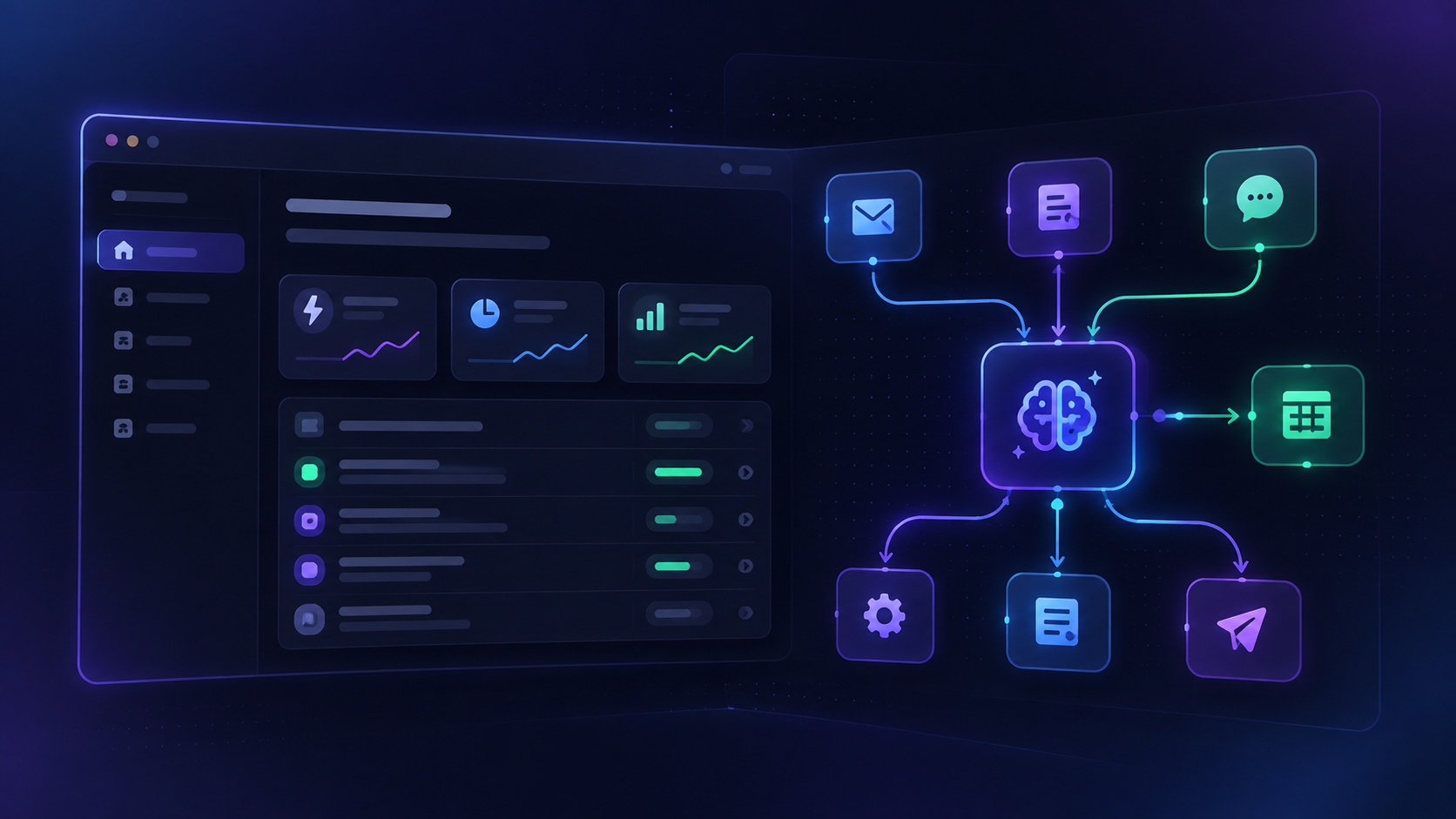
DEMO EXAMPLEDemo example of an AI and workflow automation presentation
EXAMPLE PROCESS
Email→Automation→AI check→Spreadsheet→Telegram

Incoming requests are analyzed, recorded and delivered automatically.

02

Websites

Focused landing pages, portfolios and small business websites designed around a clear action.

Responsive · Forms · Integrations
DEMO EXAMPLEDemo example of a responsive business website presentation
EXAMPLE PROCESS
Visitor→Website→Form→Request→Email

A visitor understands the offer, sends a structured request and gets confirmation.

03

Website + Automatic Lead Handling

A visitor sends a request; it is organized, saved and sent to the right place automatically.

Forms · AI · Records · Notifications
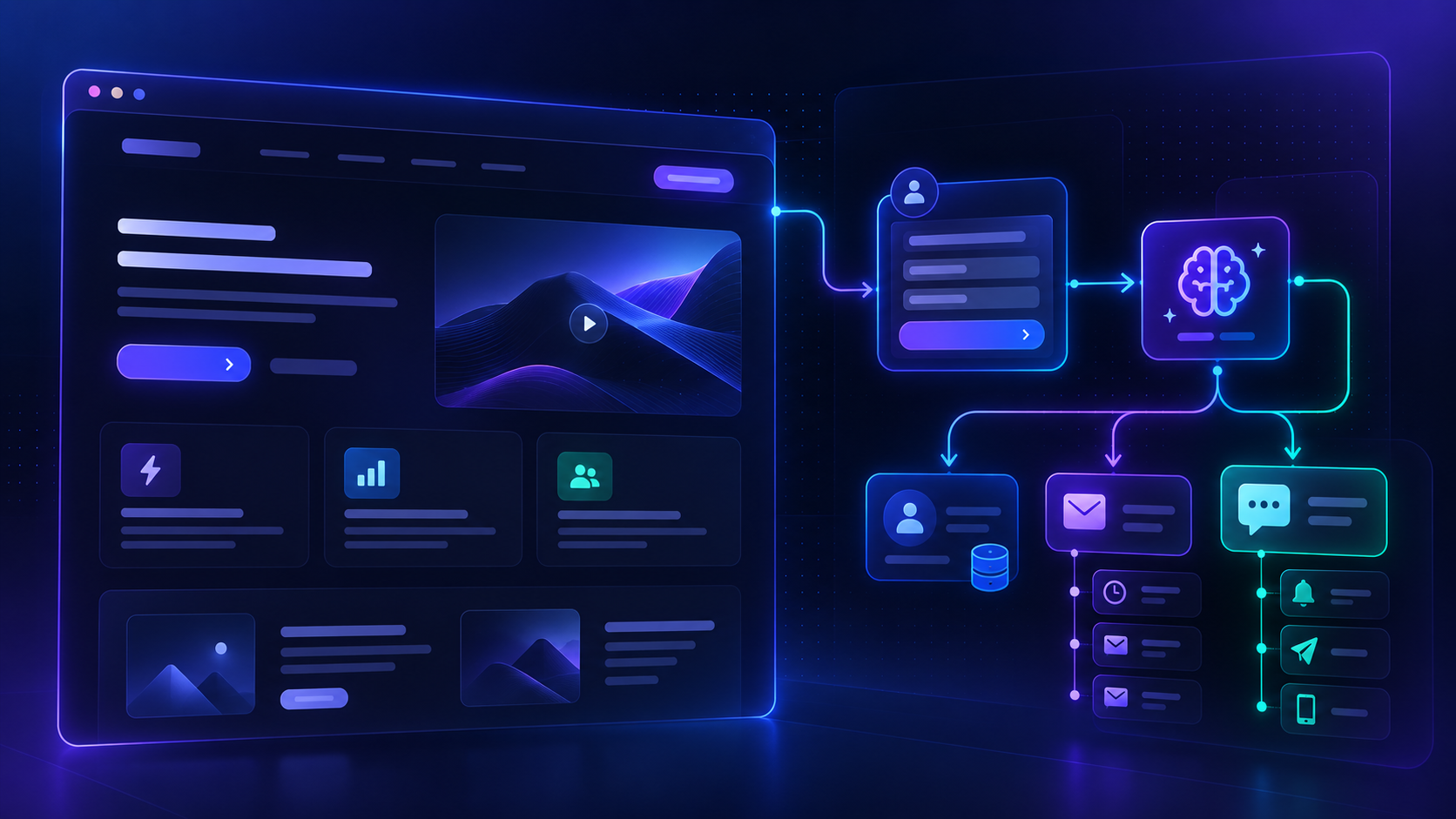
DEMO EXAMPLEDemo example of a website plus automation workflow presentation
EXAMPLE PROCESS · THIS SITE
Website→Request→Automation→AI check→Records→Telegram

The request becomes a ready-to-review project instead of another unstructured message.

SELECTED WORK

Practical systems built end to end.

Portfolio projects demonstrate the workflow logic, integrations and testing behind each system.

AI SUPPORT

Support bot with memory

Telegram assistant using AI and Google Sheets to retain conversation context.

Telegram → AI → Sheets memory → Reply
TelegramAIGoogle Sheets
BOOKING

AI booking workflow

Extracts booking details, validates date/time and works with Google Calendar availability.

Telegram → AI/JSON → Calendar → Confirmation
TelegramJSONGoogle Calendar
LEADS

Lead qualification

Website request captured, structured and classified before notification.

Form → AI → Hot/Warm/Cold → Sheets → Telegram
WebsiteAIGoogle SheetsTelegram
DOCUMENTS

Document assistant

Processes incoming documents, identifies type and routes them into the appropriate workflow.

Drive → AI → Structured data → Folder
Google DriveAIJSON
HOW IT WORKS

Written, structured, asynchronous.

No phone number required. Requirements, updates and approvals can be handled in writing.

01

Describe

Tell me what you want to achieve in as much detail as possible.

02

Estimate

The form creates a preliminary scope, price range and delivery window.

03

Confirm

I review the scope. Final price and delivery date are confirmed before work starts.

04

Build & test

The system is built, tested and delivered with a sensible time buffer.

START A PROJECT

Tell us what you want to build.

The more detail you provide, the more useful the preliminary estimate will be. Describe the goal, current process, required features, integrations and expected result.

Your phone number is not required.
Primary communication: email. Telegram is optional.
Useful additions
PRELIMINARY ESTIMATESelect a project type
DELIVERY WINDOW—
DEPOSIT—

Estimate only. Final scope, price and delivery date are confirmed after review. Delivery starts after the deposit and receipt of required materials.

The form uses validation and an anti-spam field. No phone number is collected.
FAQ

Before you send a request.

Clear written requirements keep projects faster and reduce unnecessary meetings.

Do we need a call?

Usually no. Requirements, questions, updates and approvals can be handled by Email or Telegram. A call can be arranged only when it is genuinely useful.

How accurate is the calculator?

It gives a preliminary range based on the selected project type and features. The final scope, price and delivery date are confirmed after the written request is reviewed.

When does work start?

After the project scope is confirmed, the deposit is received and the required materials or access are available.

Why is the delivery window longer than the build time?

The window includes testing, responsive checks, integrations, revisions and a sensible buffer. If everything is ready earlier, the project can be delivered earlier.

What should I include in the request?

Describe the goal, current process, what is manual now, required pages or functions, tools to connect, examples you like and the result you expect.

How are revisions handled?

The included revision scope is agreed before work starts. Requests that materially change the original scope are estimated separately before implementation.

Who owns and pays for domain, hosting and service accounts?

The client creates and owns the required accounts and pays third-party providers directly. I can recommend suitable services and configure the agreed integrations. Passwords should not be sent in the project form; collaborator access, OAuth or limited API credentials are preferred.

Who owns the automation tools?

If paid automation tools are needed, they normally stay in the client’s own account. I can recommend, configure and connect tools such as n8n or Make while the client keeps ownership and pays the platform directly.

Who provides content and materials?

The client provides available brand assets, text, images, legal/company details and access required for the project. If content creation or sourcing is needed, it is agreed separately.

What if the client delays feedback or changes the scope?

Delivery estimates assume timely feedback and access. Client-side delays pause the delivery timeline. New functions or material changes outside the agreed scope are estimated separately before work continues.

What happens after delivery?

A short post-delivery period can be agreed for fixing defects within the approved scope. New features, ongoing maintenance, platform subscriptions and third-party changes are separate unless explicitly included.